Android App

Café com Água

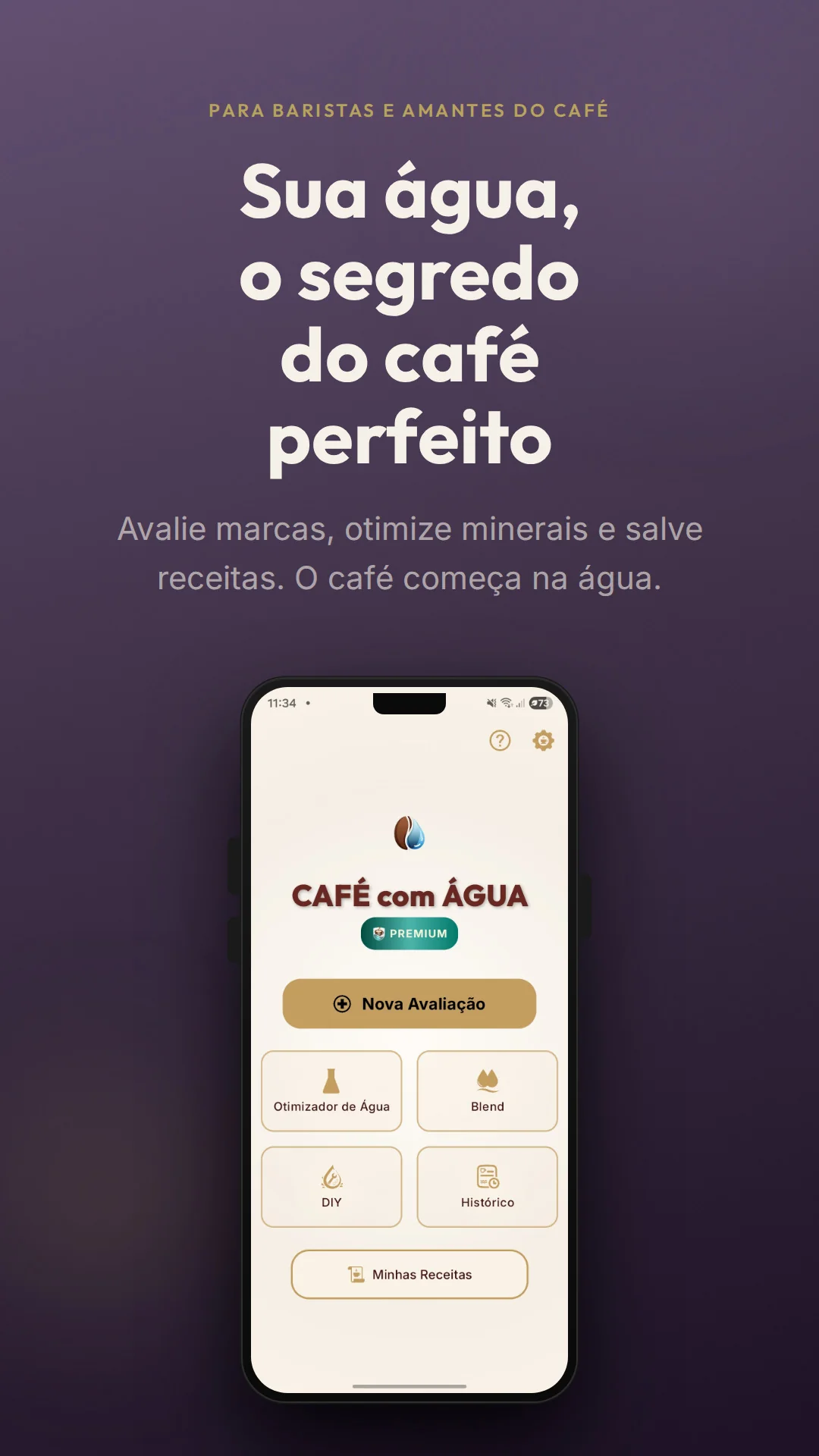
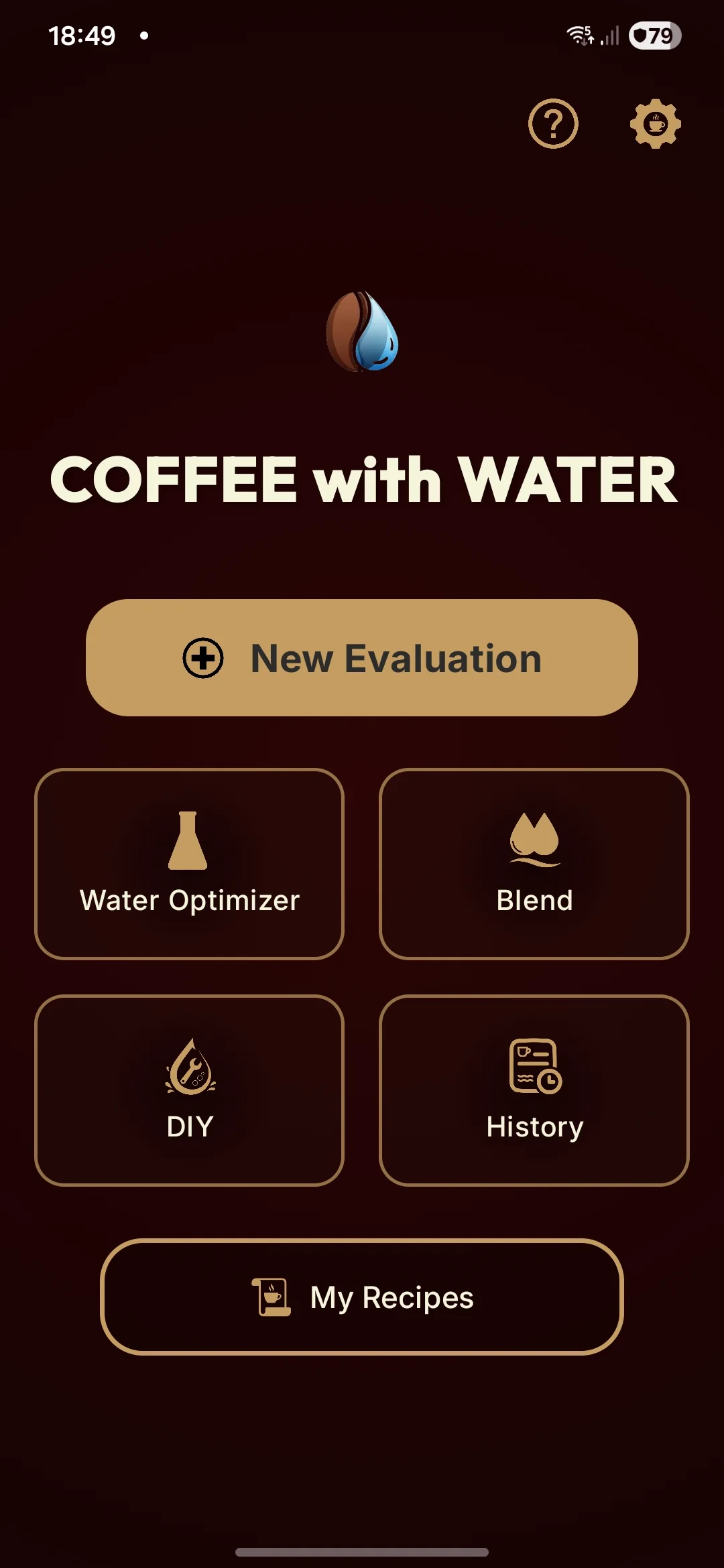
Water quality evaluator for specialty coffee. Measure pH, hardness, alkalinity, TDS and sodium based on SCA standards. Optimization and blend calculators included.
Download on Google Play Test in browser
Café com Água App
Features

Everything you need to evaluate your water

From chemistry to practice, the app covers every parameter that impacts your coffee flavor.

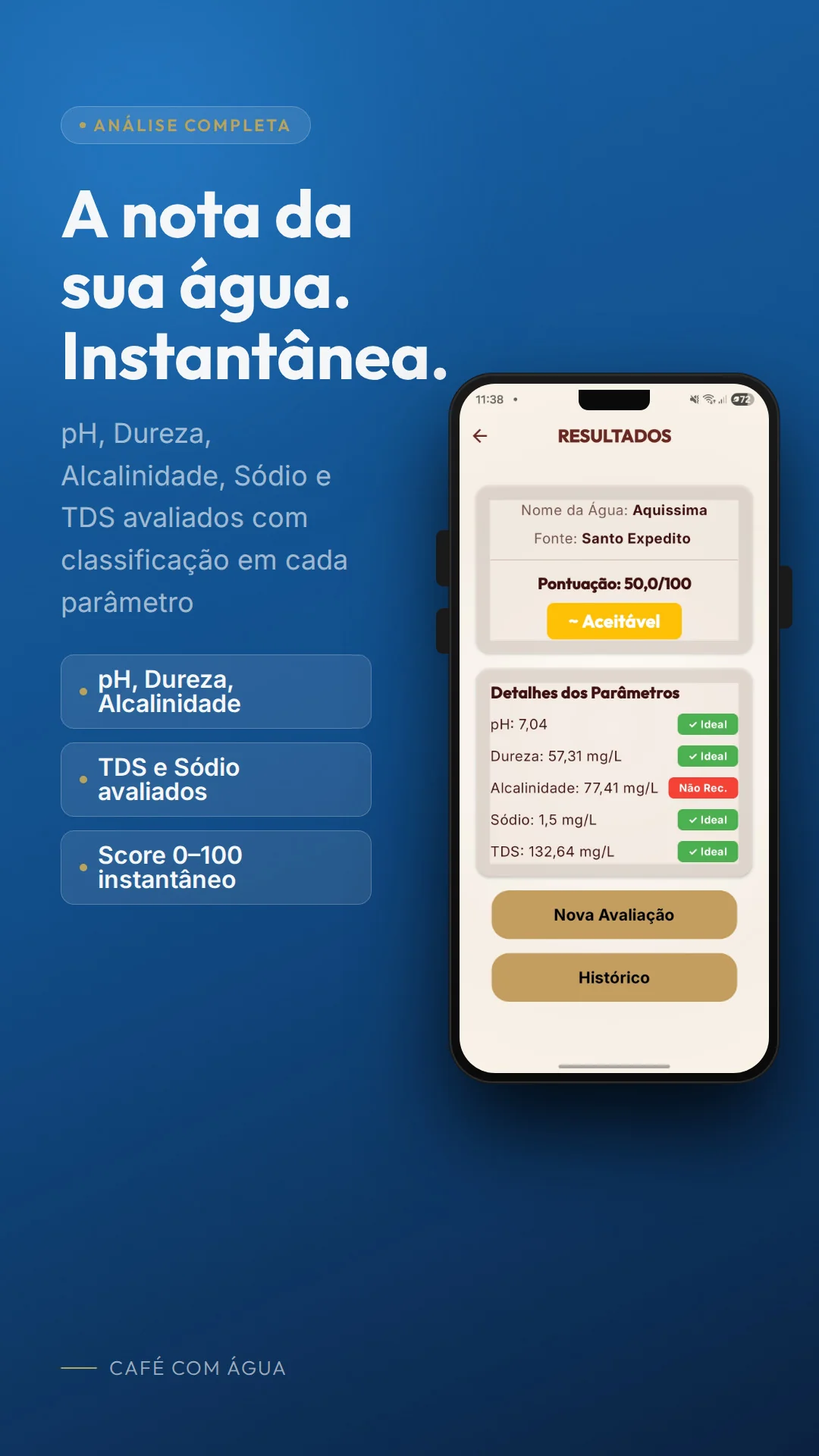
Complete Analysis

Evaluate pH, total hardness, alkalinity, TDS and sodium of your water. Each parameter with ideal range based on scientific consensus.

SCA Scoring

Weighted score from 0 to 100. Alkalinity has 50% weight, hardness 30%, pH 10%, sodium 8% and TDS 2%. What really matters weighs more.

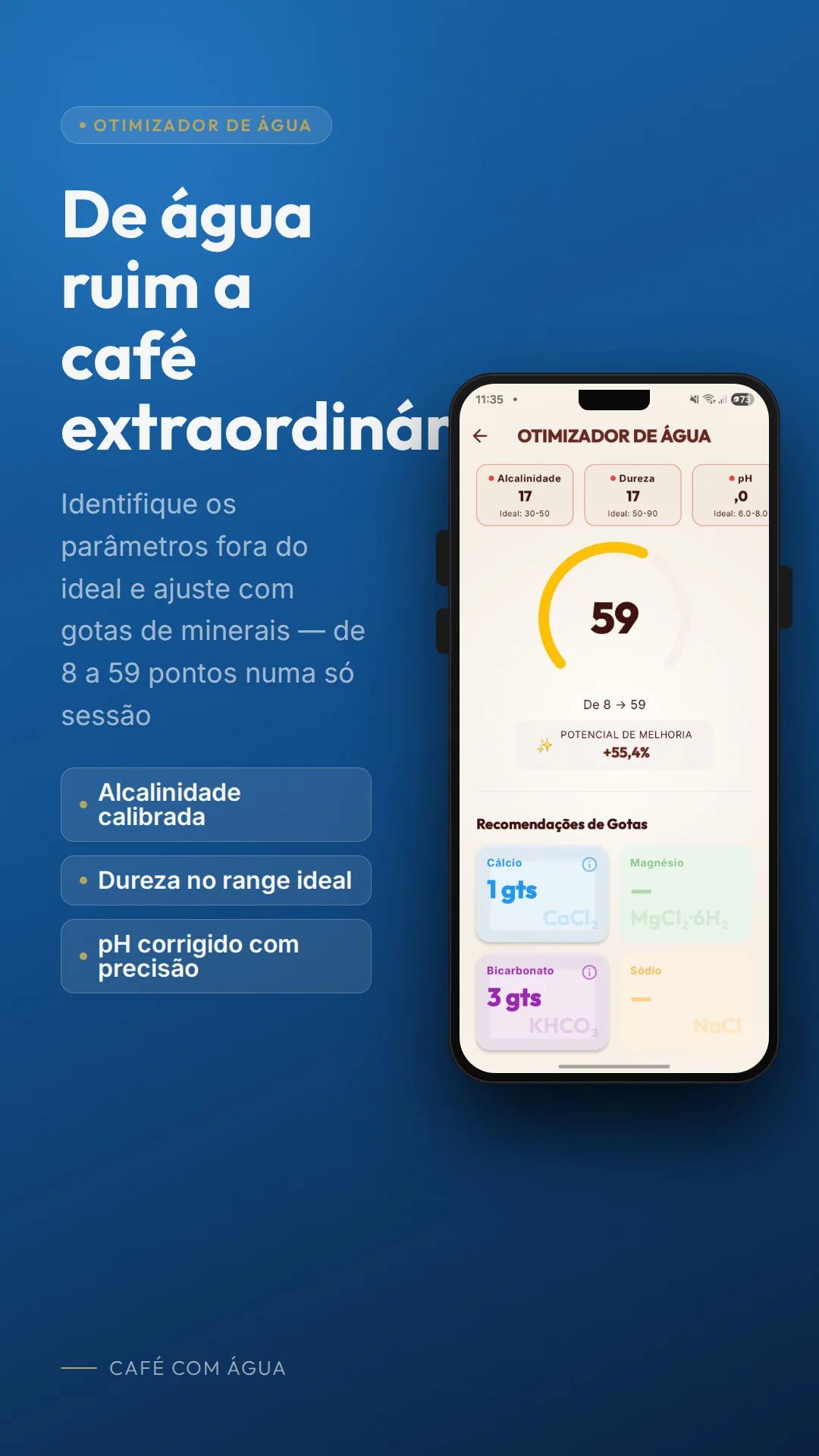
Water Optimizer

Calculates exact drops of calcium chloride, magnesium sulfate and potassium bicarbonate to bring your water within ideal ranges.

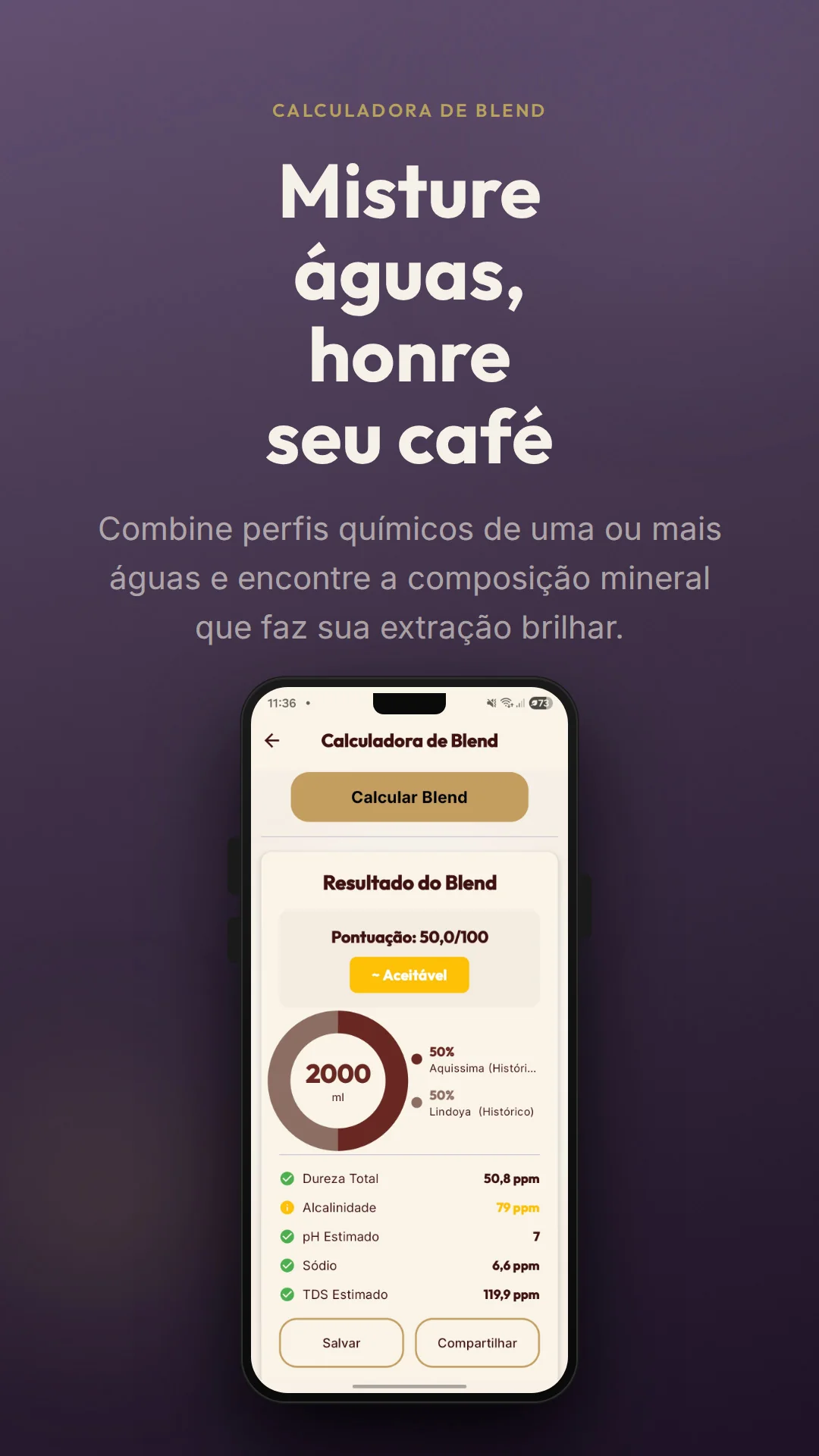
Blend Calculator

Simulate mixing two waters. The app calculates the exact chemical profile, logarithmic pH and resulting score of the combination.

Label Reading

Use the camera to capture data from the nutrition label. OCR automatically fills in your water parameters.

History & Comparisons

Save all your evaluations, compare different water brands and track the evolution of your brews.

Parameters

Ideal ranges for coffee water

Based on SCA standards and expert consensus such as Scott Rao.

Alkalinity

30-50 ppm
Weight: 50%

Total Hardness

17-85 ppm
Weight: 30%

pH

6.0 - 8.0
Weight: 10%

Sodium

0-30 ppm
Weight: 8%

TDS

~150 ppm
Weight: 2%
FAQ

Frequently asked questions

Get answers about water quality for specialty coffee.

What is the Café com Água app?
It is a free Android app that evaluates water quality for specialty coffee based on Specialty Coffee Association (SCA) standards. It measures pH, hardness, alkalinity, TDS and sodium, calculates a weighted score and offers tools such as optimization calculator and water blending.
What is the ideal alkalinity range for coffee water?
The ideal alkalinity range for specialty coffee water is 30 to 50 ppm. Alkalinity is the most important parameter for flavor, acting as a buffer that neutralizes acids. Above that, coffee becomes "flat" or "lifeless". Below that, it can become excessively acidic.
Which app should I use to measure coffee water quality?
The Café com Água is the most complete app for measuring water quality for specialty coffee on Android. It evaluates pH, hardness, alkalinity, TDS and sodium based on SCA standards, calculates a weighted score, and offers optimization and water blend calculators. Available for free on Google Play Store.
Is TDS a good indicator of water quality for coffee?
No. Recent studies by the SCA and experts like Scott Rao show that TDS alone is a vague metric. A TDS of 150 mg/L could be composed of both beneficial minerals and undesirable substances. The app prioritizes alkalinity and hardness, which have a direct impact on flavor.
Does the app work offline?
Yes, the app works completely offline. All data is stored locally on your device, with no internet required. You can manually export the backup when you want in Settings > Export Backup.
How does the optimization calculator work?
It is a premium feature that calculates exactly how many drops of mineral solutions (calcium chloride, magnesium sulfate and potassium bicarbonate) to add to your water to bring it within ideal ranges for coffee extraction.
How does water hardness affect coffee?
Hardness is crucial for extraction. Calcium and magnesium ions bind to flavor compounds in coffee grounds and extract them into the water. Very high hardness causes scale buildup. Very low hardness results in weak, under-extracted coffee. The ideal range is 17 to 85 ppm.
Does the app have camera label reading?
Yes, the app has an OCR label reading function that uses the camera to speed up entering chemical data. Since brands don't follow a single format, we recommend always checking the captured values before proceeding.

Download now and discover the ideal water for your coffee

Free on Google Play. Premium tools available.

Download on Google Play